
Studio-grademotiongraphics.StraightfromyourAIagent.
The skill that teaches Claude Code and Codex to animate like a motion designer. With 11 complete styles.

 Claude CodeCodex
Fromzerotoyourfirstvideoin4steps.
You will not write any code. Install an app, create a folder, download two files and paste a text. The skill does the rest with you.
- 1
Install the Claude app
It is an app like any other. No terminal.
- 2
Create the Motion Director folder
Inside Documents.
- 3
Download the two files into it
After you buy, from your members area: the skills and the styles media. No need to unzip.
- 4
Paste the text and press Enter
The text is in the members area, under Start here. Claude reads the skill and installs everything with you, asking before each step.
In Codex it is the same: open Codex in the folder and paste the same text.
Fromprompttovideo.
Pick a prompt and watch the agent work.
> Make an explainer in the Command Center style
- · Reading the prompt
- · Planning scene by scene
- · Rendering
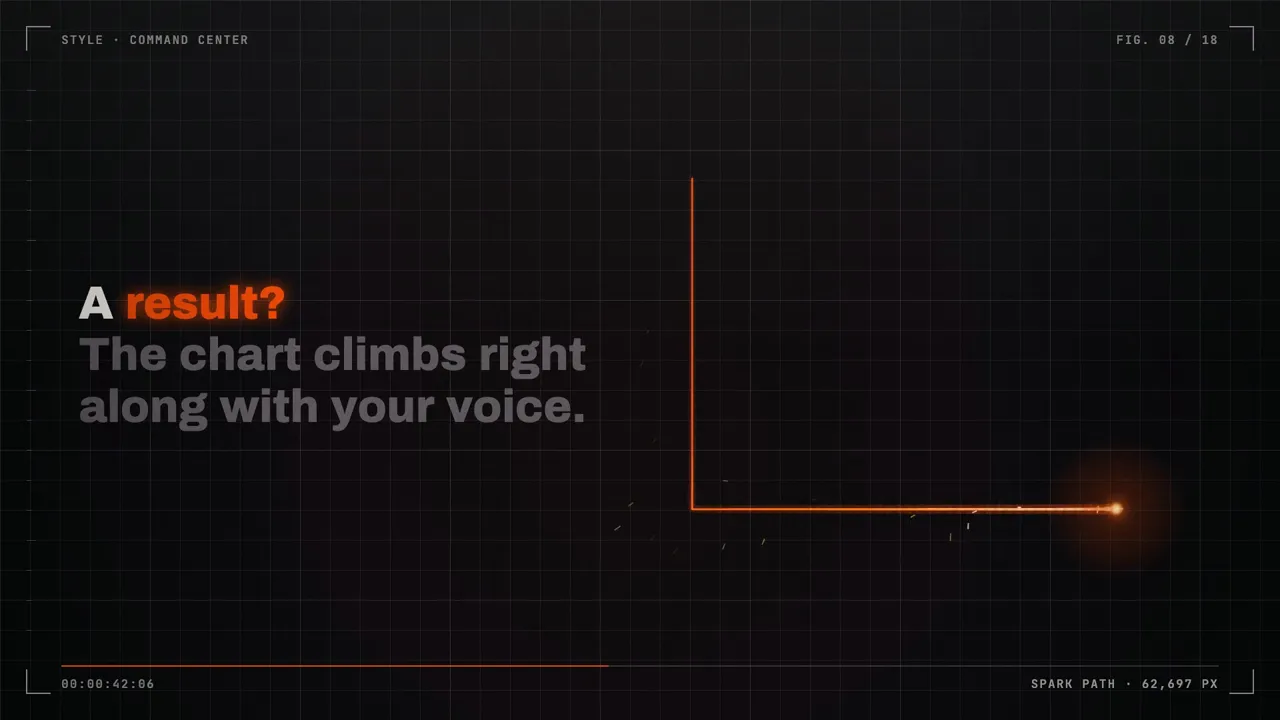

11completestyles.
Ready-made starting points: swap the colors, change the elements, make it yours.
ESTILO 001
Masterclass
A presenter in a living window and a pill of light that crosses everything, teaching through color.
New style on December 1

Youimagine.Youdirect.Theagentanimates.
Video is a must. Making a video look good takes time, and animating it takes even longer.
AI can already do motion graphics, and Claude Code already builds videos. What it lacks is the skill: timing, motion, typography, sound and polish.
Motion Director teaches it. With it, anyone can become a motion designer.


Ads
You need to test more creatives.
The ad wears out and the next version never ships.
▸ This week’s recordings
Content
You record. Editing waits.
The folder fills up, the week goes by, nothing goes live.
Teaching and business
You need to explain an idea.
In a wall of text, people scroll past before they get it.
In all three, the turn is the same: you direct, the agent animates.
Askillisarecipe.
Editing and animating a good looking video takes hours, sometimes days. Ask AI on its own and it usually comes out bland: it knows how to code, it just doesn't know the way. The skill is the way.
Lasagna without a recipe
- How much sauce?
- How long in the oven?
- Why did it burn?
Trial, error, and you never know where it went wrong.
Lasagna with a recipe
- Sauce, pasta, cheese. Repeat.
- 180 °C for 40 minutes.
- Rest 10 minutes, then serve.
You know exactly what to do. And when.
Motion Director is that recipe, for video. It teaches AI to animate with rhythm, type, motion and sound.
Saves time and tokens.
With the way already mapped, the AI makes fewer mistakes and spends less. You can even use cheaper AI models.
Your crew comes along.
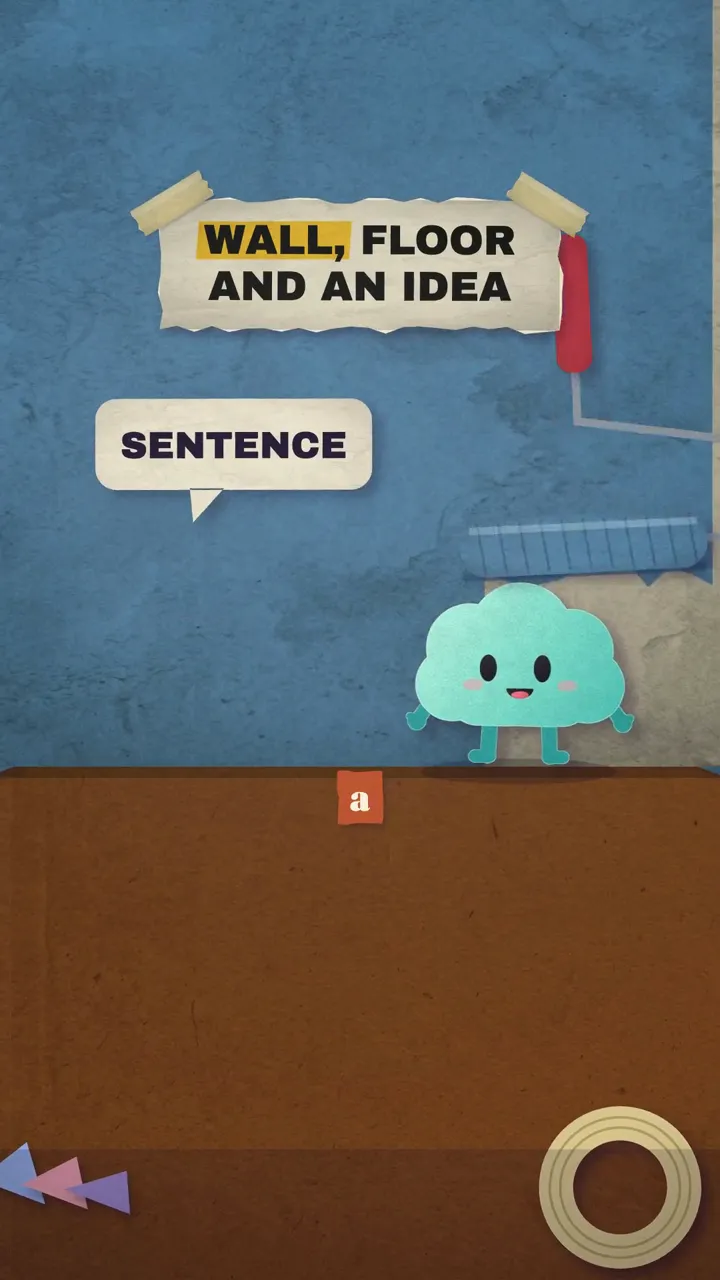
Pip, Nimbo and Zuzu, felt mascots ready for your videos, come with the skill.

Makingvideostoppedbeingtheproblem.Itbecamethesolution.

Gettingstartedissimple.
The skill installs everything with you.
You only install Claude Code. The skill tells you what is missing, installs it with you one step at a time, and asks before each step. The members area has a video for every step.
No video generator.
No Kling, Veo or Seedance, which are expensive. Every movement is made with code: it stays sharp and every frame is in your hands. AI is only used for images and voice-over, which cost little.

What'sinthepackage.

Motion Director
Teaches your agent to be a motion graphics expert: motion, kinetic type, sound design and quality review.
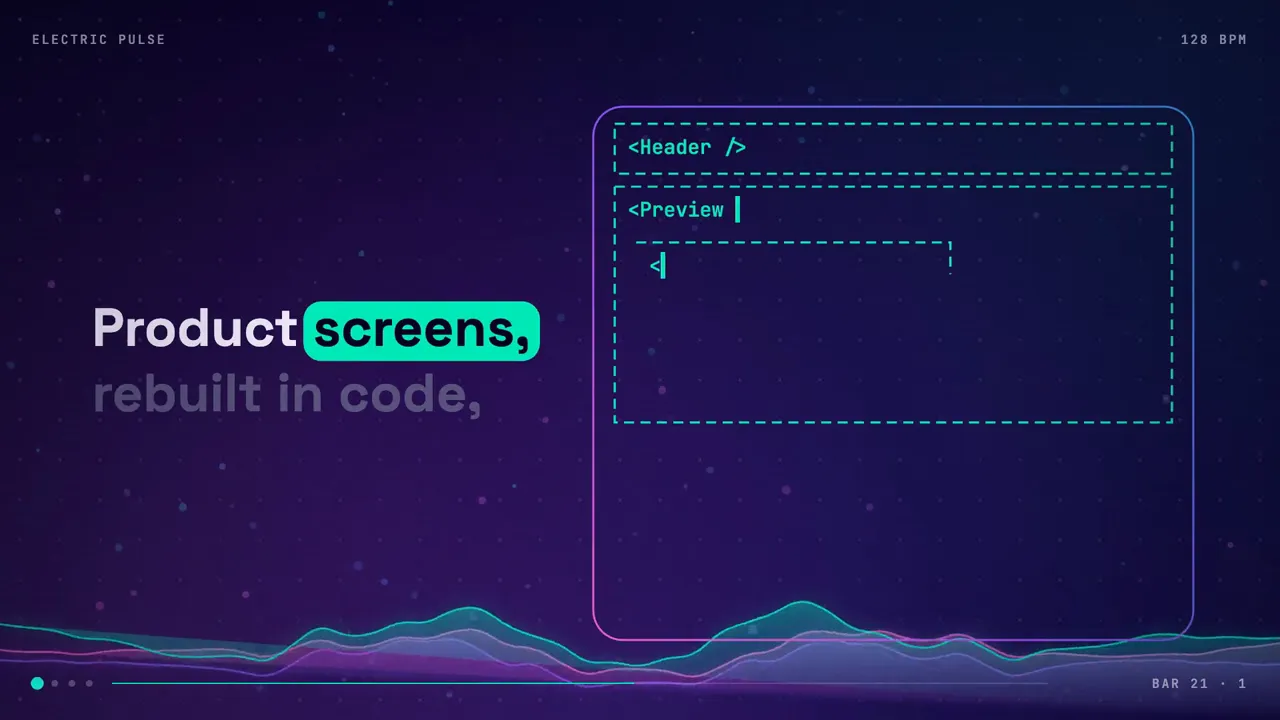
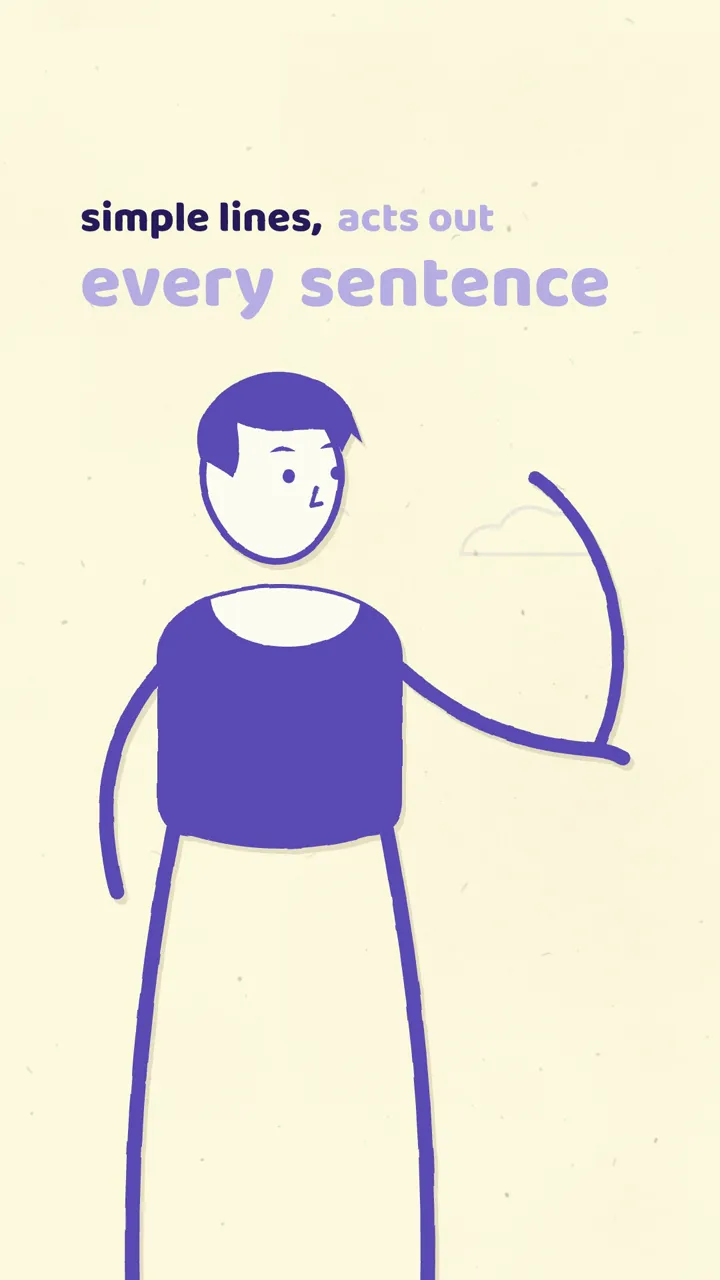
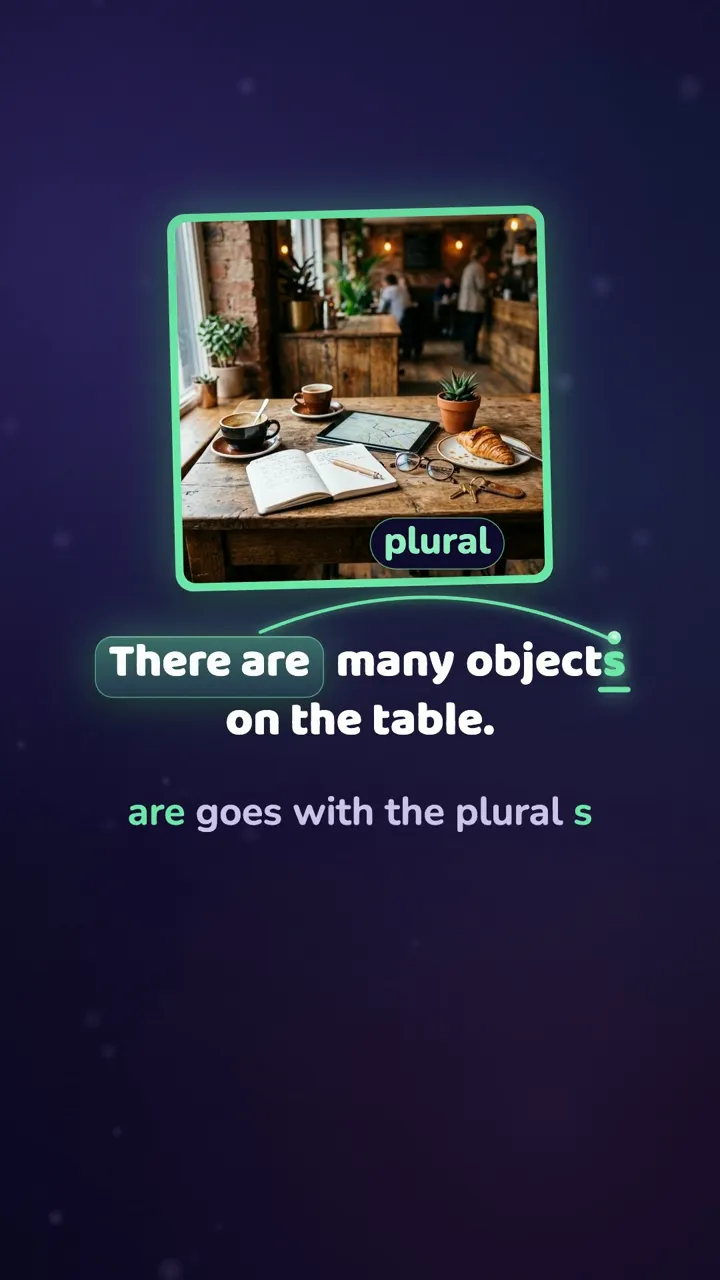
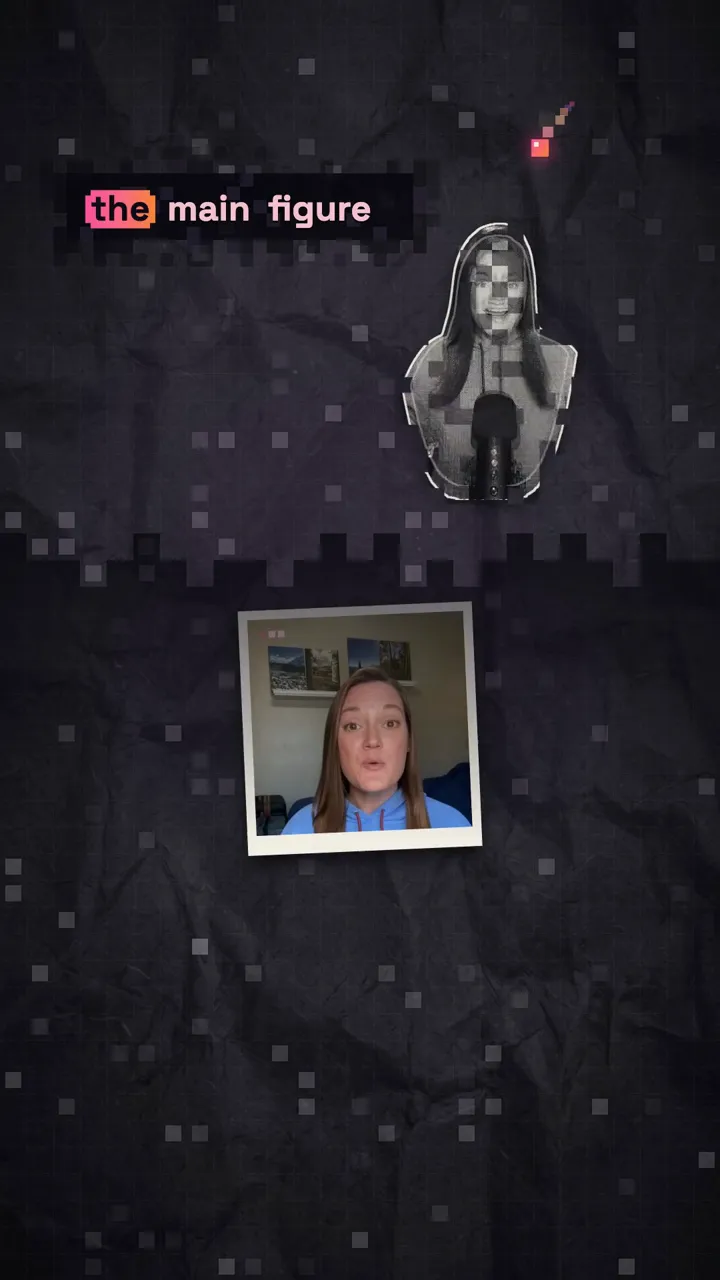
11 complete styles
Engine, rules and examples for each style, in 9:16 and 16:9. Change anything.



Clip Director
Turns one long video into many short cuts, joining moments into a cut with a beginning, middle and end.
See the page
Script Director
Writes social media scripts (hook, body and call to action) and shows you how to test the hook.
See the page
Swipe Director
Builds Instagram carousels where every slide is a video, in the same styles as the library.
See the pageStart today.
 Instant access
- Motion Director
- 11 complete styles, in 9:16 and 16:9
- Clip Directorbonus
- Script Directorbonus
- Swipe Directorbonus
- Guided install for Claude Code and Codex
US$ 57after launch
US$ 17
One-time payment
Final sale, except where the law says otherwise.
Right after buying, you can add 12 months of updates for US$ 10 more. Then US$ 27 a year.
Questions.
Still have a question? Email info@hellohello.nz

I have never used Claude Code. Can I do this?+
Yes. You only install Claude Code and the skill does the rest with you, explaining each step in plain language. The members area has a video for every step.
Does it use a video generator like Seedance, Kling or Veo?+
No. Every movement is made with code. AI only generates images and voice-over, when the video needs them.
Will I pay for anything else?+
You need a Claude Code or Codex plan. AI images and voice-over are optional and cost cents per video.
Does it work with Claude Code and Codex?+
Yes. The skill follows the open skills standard and ships with install instructions for both.
Which plan do I need?+
Any plan that includes Claude Code (Pro, Max or higher) or Codex (Plus or higher).
Does it work on Windows?+
Yes, on Mac, Windows and Linux. A few optional extras work best on Mac and have alternatives elsewhere.
Can I use the videos commercially?+
Yes. The videos you make are yours, including client work.
Can I resell the skill?+
No. The license forbids reselling, redistributing or sharing the skill and the styles.
How do updates work?+
Your purchase includes the current version, forever. Right after buying you can add 12 months of updates for US$ 10 more. After that it is US$ 27 a year, cancel anytime.
Is there a subscription?+
Only if you want updates. The US$ 17 purchase is one-time and never renews.
Can I get a refund?+
It is a digital product delivered instantly, so sales are final, except where the law gives you a right of withdrawal (in Brazil, for example, you have 7 days). The Refund Policy, in the footer, explains what happens to your access after a refund.
hellohello.video

Goodvideodoesn’thavetobeexpensive.
Come direct your first video. One-time payment, instant access.